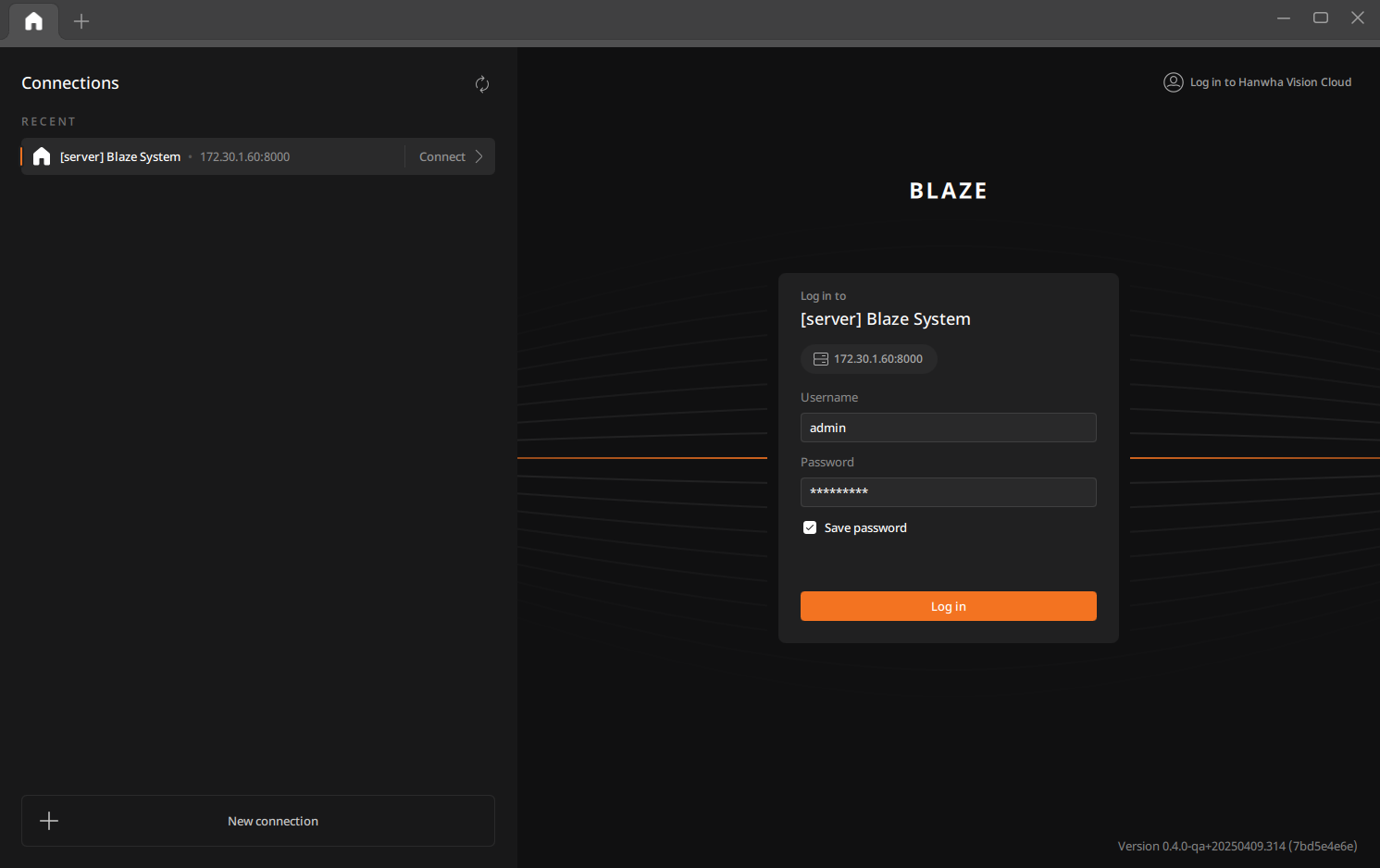
Logging in to the client
After launching the client, log in by selecting a connected server from the list or by entering the server address manually.
Note: With a cloud account, connect your cloud account to BLAZE to log in. For detailed instructions on logging in with a cloud account, see Signing in with your cloud account.
To log in to the client
- Select a server to connect to on the Login page.
- Enter your username and password, then click Log in.
- Select Save password to save the entered credentials. Future logins will not require re-entering this information.