
Configuring role settings
Configure detailed settings for roles added to BLAZE.
Note: Only users with an Administrator role can change these settings.
Roles page
Select a role from the role list on the Roles page to display the Role settings panel where detailed role settings are configured.
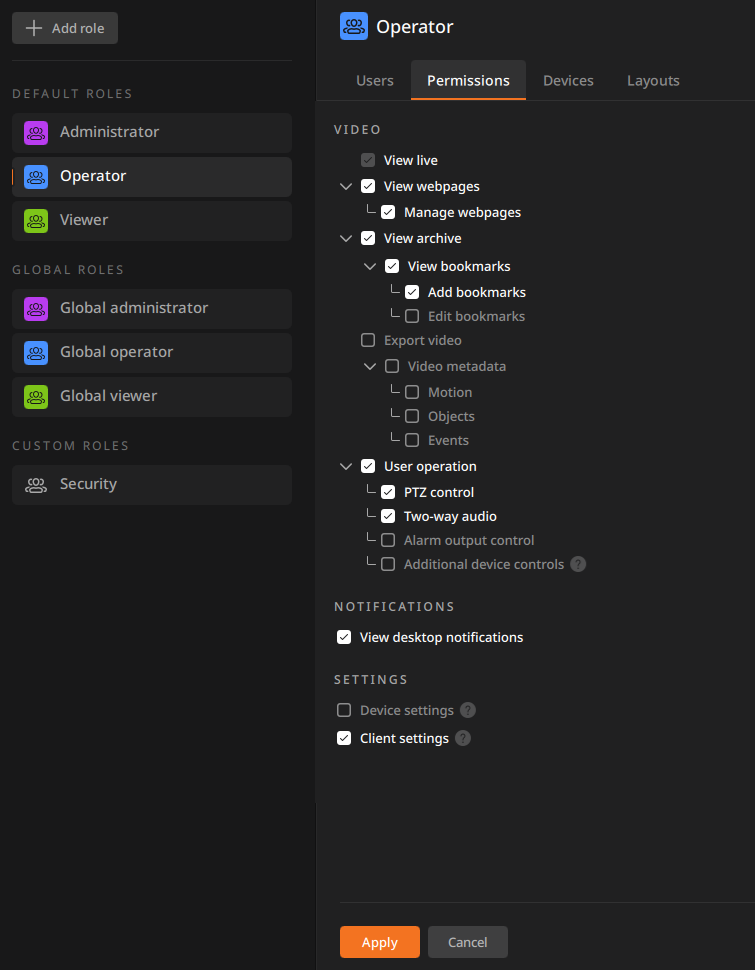
Tabs in the Role settings panel
The settings panel consists of multiple tabs.
- Select a tab to display its detailed settings.
- After completing the settings in a tab, click Apply to save.