
Viewing the list of roles
In the Roles page, view a complete list of roles registered in BLAZE. Select a desired role from the list to display the Role settings panel. The setting options may vary depending on the selected role.
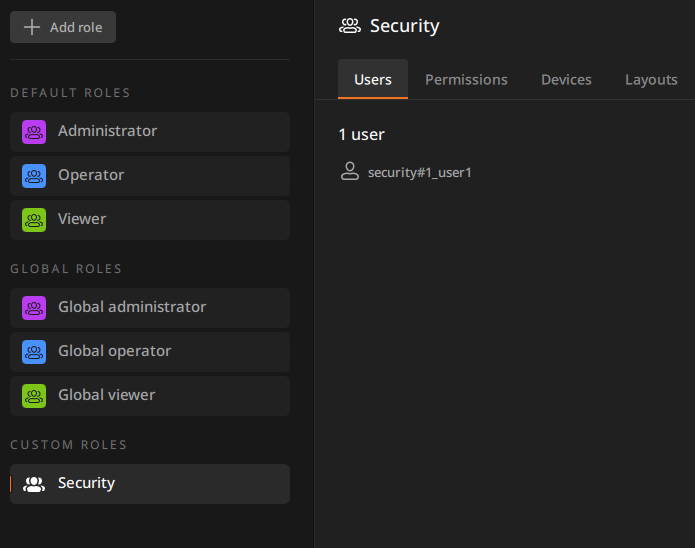
- Under DEFAULT ROLES, default roles provided by BLAZE are displayed, while roles created by administrators are shown under CUSTOM ROLES.
- Roles in the custom roles list are displayed in the order in which they were added.