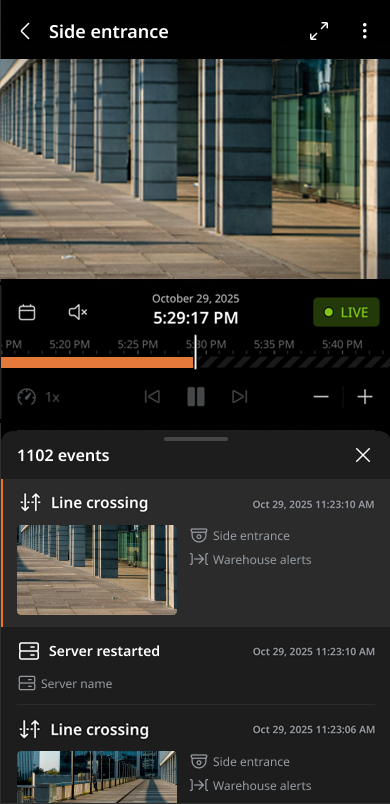
Searching for events
Search for events stored on the server by date, device, and event type. Play the filtered events and save them as video files.
To search for events
- Tap Events at the bottom of the mobile client.
- Tap Events in the tab panel to navigate to the Events tab.
- Tap the filter icon
 to select filters and tap OK:
- Devices: Select the device to search for. Multiple devices can be selected.
- Time period: Set the time range to search among Any time, Last 1 hour, Last 12 hours, Last 24 hours, Last 7 days. To customize a time range, select Custom period and enter start and end date and time.
- Event types: Select the event type to search for. Multiple events can be selected. For more information, see Setting an event trigger.
- Once the search results are displayed, select the desired event to play.