Searching for a thumbnail
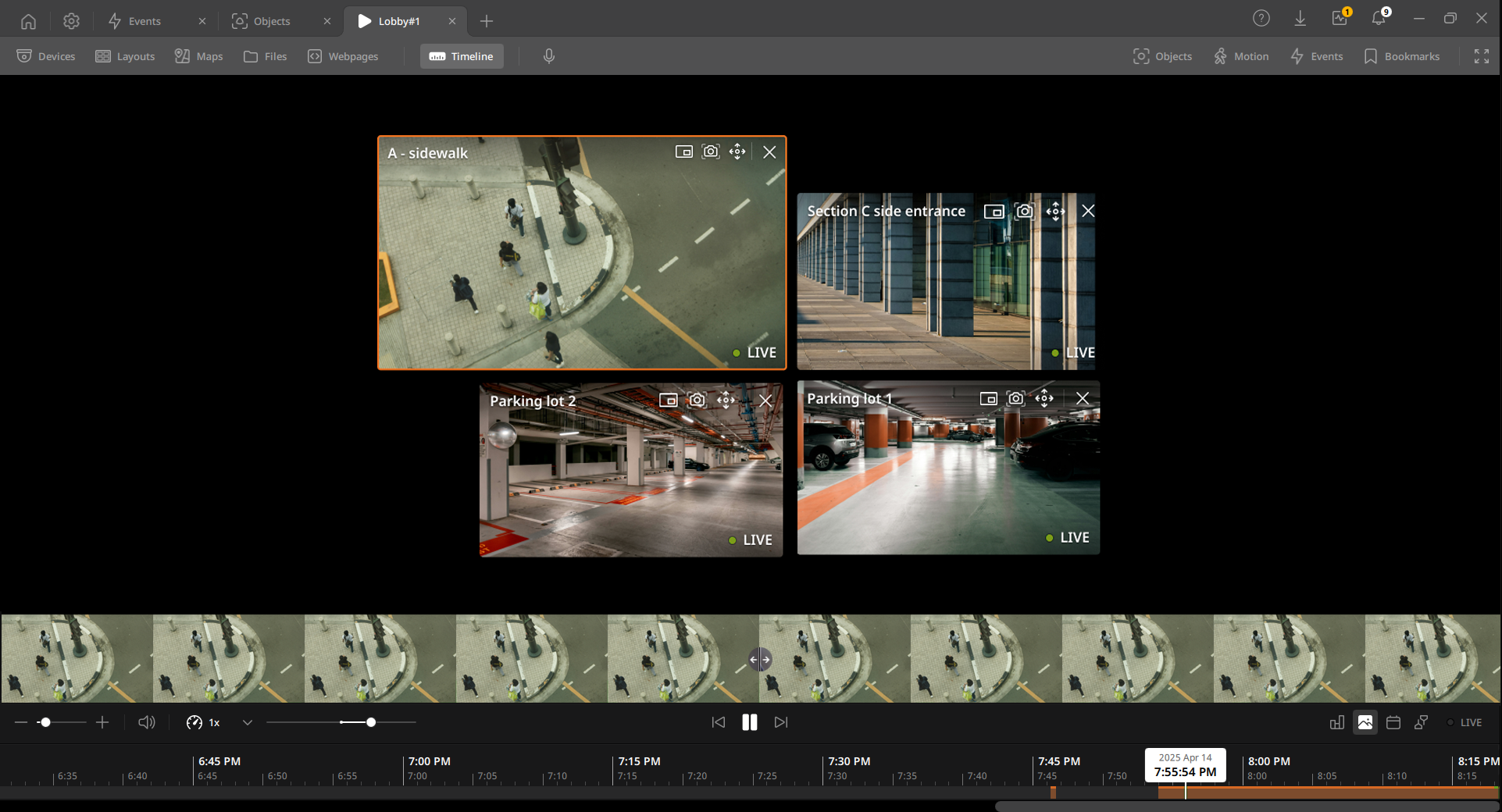
Play videos stored in BLAZE while viewing thumbnails. When a thumbnail is selected, it is displayed with the timeline. Search for a specific moment by adjusting the timeline scale.
To search for a thumbnail
- On the Home page, click View.
- Click Devices on the View tab navigation bar.
- Select the device to play the video in the Scene panel.
- Click the Timeline on the View tab navigation bar.
- Click
 in the Timeline panel.
 - When the thumbnail appears, select the image at the desired moment.
- Evenly divides the current timeline and displays thumbnails of the central time of each segment. Thumbnails are displayed based on the time scale of the timeline, and clicking [←∣→] between thumbnails enlarges the time scale.
- Double-click the image to play the video.